
The Prompt Tool You've Been Paying For Fits Inside One File You Already Know How to Save
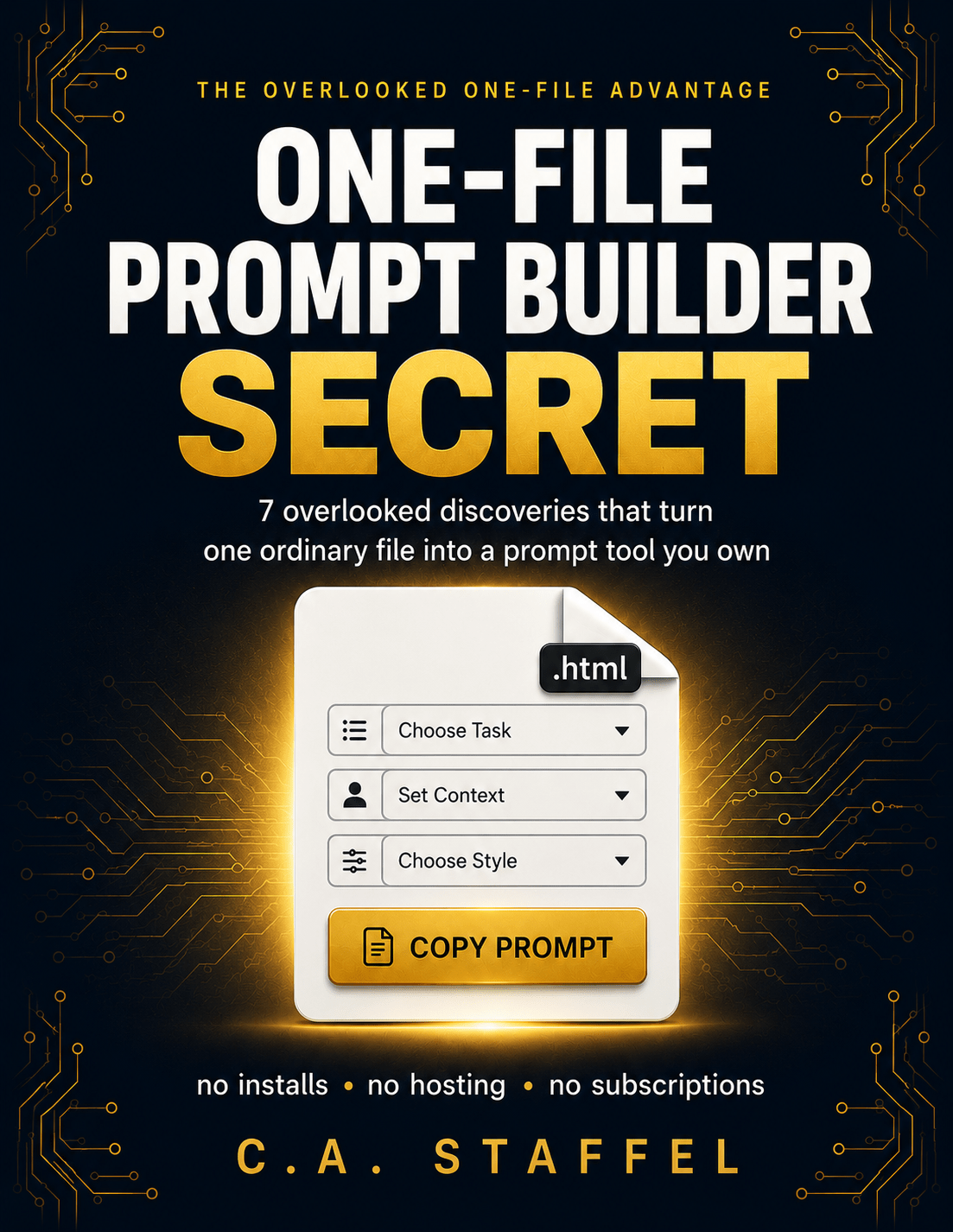
For everyday AI users tired of scattered prompts and monthly fees — this short report reveals the overlooked one-file advantage that turns an ordinary file on your computer into a prompt builder you permanently own.
You've built the same prompt a dozen times.
And every time you need it again, the search starts over.
You've scrolled back through old chats trying to find the version that worked. You've kept half-finished templates in a notes app that was never designed for this. Maybe you've paid — or almost paid — a monthly fee for a “prompt tool” that, if you look closely, is a form with some dropdowns and a copy button.
None of that is your fault. You wanted a fast, organized way to build strong prompts, and you used the options in front of you.
Why you've never noticed this
Ask around about organizing your prompts and you'll hear the same answers: use a notes app, save your favorite chats, subscribe to a prompt tool.
Every one of those answers quietly assumes the same thing — that a real tool has to live in someone else's app, behind someone else's login, on someone else's schedule.
Here's what that advice skips past: a complete, working prompt builder — the fields, the dropdowns, the button that assembles your finished prompt — can live inside a single ordinary file saved on your own computer.
Double-click it, and it opens as a working tool. No installation. No account. No internet required. No subscription. Ever.
This isn't hidden on purpose. It's hidden by habit. App stores trained you to believe real software gets installed. Subscriptions trained you to look for a pricing page instead of asking whether there's a version you could simply keep.
You may have already double-clicked one of these files by accident, watched it open in your browser, and closed it thinking you'd made a mistake. That moment was the entire mechanism working perfectly — and it read as an error.
That's what “hidden in plain sight” actually looks like.
One-File Prompt Builder Secret
One-File Prompt Builder Secret by C.A. Staffel is a short, focused report built around one reveal: seven specific, connected discoveries that turn a single ordinary file into a prompt builder you fully own.
Not a course. Not a coding lesson. Not another broad AI guide.
One problem — scattered, rented, unreliable prompt tools. One solution — a file on your own computer that does the job and answers to no one.
Seven discoveries that form one complete picture of ownership
Each discovery includes what it is, why it matters, why most people miss it, and how to use or test it the same day you read it.
-
How one file stays whole and working no matter where it travels — and the single plain-English phrase that secures this advantage from the start
-
Why opening the file is the entire “installation,” and what that removes forever
-
A thirty-second test that proves — not promises — that you truly own the tool
-
How the same file follows you to any computer you'll ever use, with no accounts, no syncing services, and no device limits
-
How the tool improves over time in plain English, without you learning a single line of code — plus the two-habit safety routine that makes breaking it nearly impossible
-
A one-minute trick that makes the file launch like an installed app, sitting one click away next to your everyday tabs
-
And one quiet property — saved for last because it's the biggest — that gives the identical, unchanged file a second life far beyond your desktop
Stop rebuilding, renting, and worrying about losing the tool you rely on
- You stop rebuilding the same prompts from memory — the same fields produce the same quality, every time
- You stop paying rent on a form with dropdowns
- Your tool works on a plane, in a dead zone, during an outage — because there's no server anywhere in the picture
- You stop worrying about a tool being discontinued, redesigned, or paywalled out from under you
- You gain a tool that opens the same way today, next year, and ten years from now
Small discoveries with surprisingly large consequences
- The one sentence to include in any AI request that locks in the entire one-file advantage — most people never think to say it
- The “airplane-mode test” — thirty seconds that turn I read that I own this into I know I own this
- Why the absence of a setup step makes people think something's broken — and what the missing friction actually means
- The email trick that makes your tool effectively indestructible and reachable from any device, in about a minute
- The protective six-word phrasing that lets you improve your tool endlessly without ever wrecking the version that works
- Why bookmarks can point somewhere almost nobody realizes — and how that one minute decides whether your tool gets used daily or forgotten
- The single sentence about how browsers treat files that unlocks the report's biggest discovery — “the file never knows the difference”
- The first-hour sequence, the first-week checklist, and the seven-line reference card that condenses the whole reveal into something you'll keep
Built for everyday AI users, not developers
This is a one-sitting read, deliberately. Five focused parts, seven discoveries, no padding, no theory detours.
You want a simpler way to organize and use your prompts.
This report is for the everyday AI user who's juggling prompts across notes apps and old chats, or quietly paying monthly for a simple form — and suspects there's a simpler way the experienced people are doing it.
You don't need any technical background. If you can save a file, copy a file, and double-click a file, you already have every skill the report requires.
You want a coding course or a general AI guide.
It's not for developers looking for coding instruction, and it's not a general AI or productivity guide.
It does one job.
One sitting replaces months of not-quite-finding-it
Could you piece this together on your own? Possibly — if you knew exactly what to look for, which is precisely the problem.
The pieces are scattered across technical tutorials that bury the simple path, assumptions that point you toward subscriptions, and details that experienced people treat as too obvious to mention.
The report hands you the complete set in one place, in order, with the tests and habits that make each piece stick. One sitting of reading replaces months of not-quite-finding-it — and every month of fees you'd have paid while not finding it.
It ends the way a useful report should: a compact reference card, three priorities to remember above everything else, two permanent habits, and one small action you can take the same day you finish reading.
Put a working prompt builder one click away today
Download One-File Prompt Builder Secret now, read it in one sitting, and run the thirty-second ownership test on your own computer today. By tonight, you can have a working prompt builder sitting one click away — owned, offline-ready, and permanently yours.
P.S. Every subscription you've ever cancelled took its tool with it. The file this report shows you how to own doesn't work that way. No renewal date. No vendor. No server to fail. It was never out of reach — it was one saved file away the whole time. The only question is whether you'll keep looking straight past it.
— C.A. Staffel